AI is changing the way students study, research, write, organize notes, and prepare for exams. The good news is that you do not need to pay for several expensive subscriptions to benefit from artificial intelligence. In 2026, students can find a growing number of free AI tools that can help with everyday academic tasks.
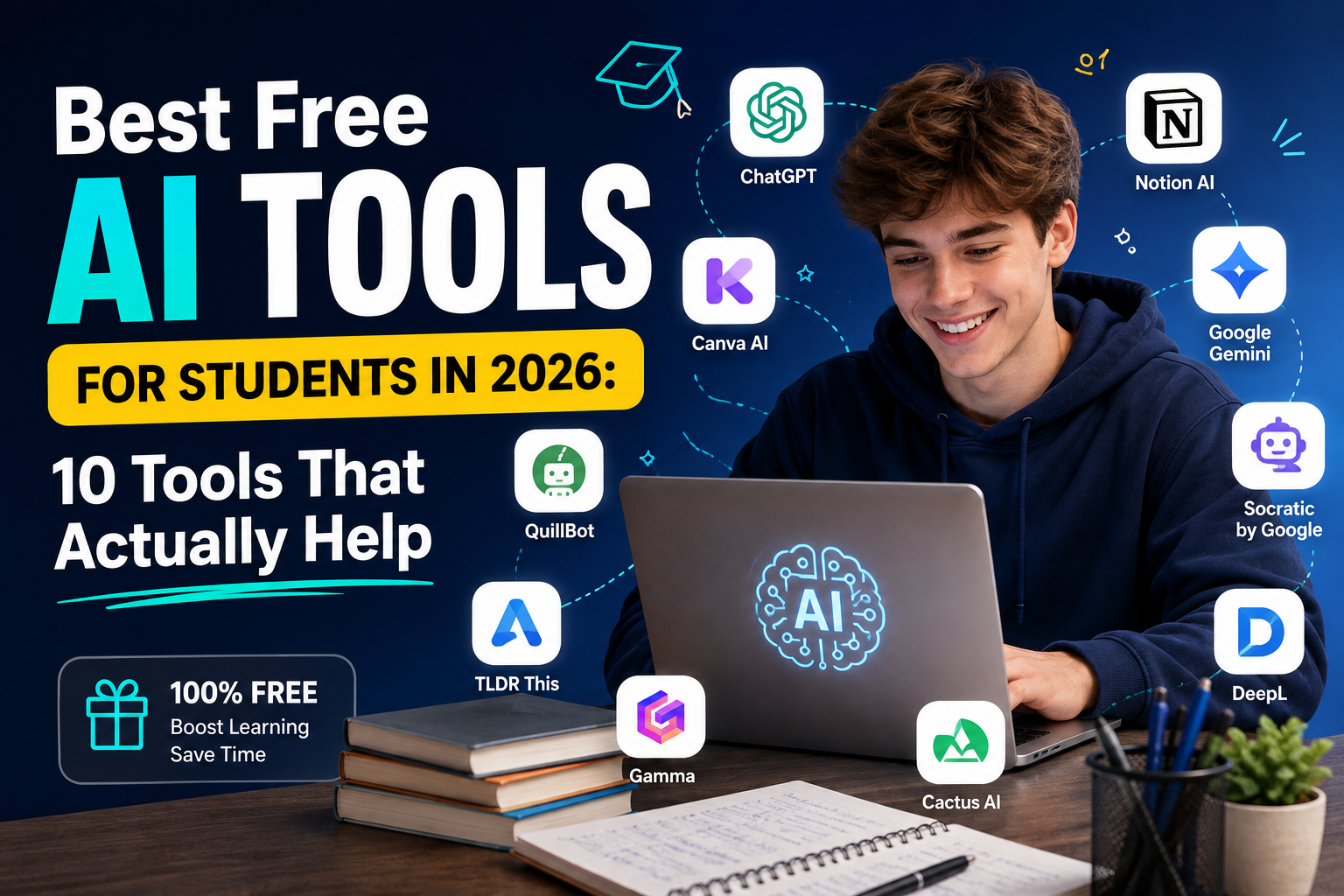
But there is one problem: there are too many AI tools available. Some are genuinely useful, while others are little more than flashy websites with limited free features. So, instead of giving you a huge list of random AI websites, this guide focuses on 10 useful free AI tools for students in 2026 and explains what each tool is actually good for.
Whether you are a school student, university student, freelancer, or someone taking an online course, these tools can help you save time while still keeping the learning process in your hands.
Quick Answer: What Are the Best Free AI Tools for Students?
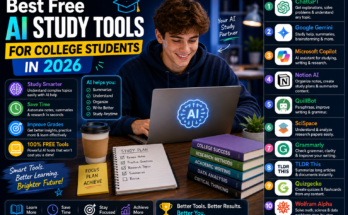
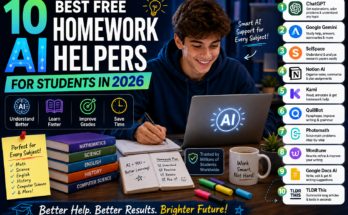
Some of the most useful options include ChatGPT for explanations and brainstorming, NotebookLM for working with your own study material, Grammarly for writing improvement, Perplexity for research, and tools such as Wolfram Alpha for mathematical and scientific work.
The best tool depends on what you are trying to accomplish. There is no single AI tool that is perfect for every student. A good approach is to use different tools for different jobs instead of depending completely on one chatbot.
1. ChatGPT – Best All-Around AI Tool for Students
ChatGPT is one of the most flexible AI tools available to students. It can explain difficult concepts, help organize ideas, create practice questions, review writing, brainstorm project topics, and assist with coding.
For example, if you do not understand a difficult topic in computer science, you can ask the AI to explain it using simple language and then give you examples. You can also ask it to quiz you instead of simply giving you the answer. This is a much better way to use AI for learning because you are still doing the thinking.
Best uses for ChatGPT
- Explaining difficult topics
- Brainstorming assignment ideas
- Creating practice questions
- Learning programming concepts
- Improving writing
- Creating study plans
- Preparing for interviews
- Understanding complicated terminology
The most important thing is to treat ChatGPT as a study assistant rather than a replacement for your own work.
2. Google NotebookLM – Best for Notes and PDFs
NotebookLM is particularly useful when your study material is already available in documents. You can work with sources such as lecture notes, PDFs, research material, and other documents, then use AI to help you understand those sources.
This makes it different from simply asking a general chatbot about a topic. Instead of starting with a completely open-ended question, you can organize your learning around the material you are actually studying.
For example, imagine you have a 70-page lecture document before an exam. Instead of reading the entire document repeatedly, you can use NotebookLM to help identify important sections, create questions, summarize concepts, and review the material. That can make it one of the best free AI study tools for students who regularly work with long documents.
3. Google Gemini – Useful for Research and Everyday Study
Google Gemini is another useful option for students who want an AI assistant for everyday academic tasks. It can help explain concepts, brainstorm ideas, summarize information, and assist with writing and research-related tasks.
One advantage of using different AI assistants is that you can compare their answers. If one explanation is confusing, another AI tool may present the same concept in a way that is easier to understand. Students should always verify important academic information. AI systems can make mistakes, especially when dealing with complicated facts, statistics, references, or rapidly changing information.
Gemini can help with:
- Research brainstorming
- Topic explanations
- Summaries
- Writing assistance
- Idea generation
- Study questions
- General productivity
4. Perplexity – Best for Research With Sources
Research is one area where students need to be particularly careful. A normal chatbot may provide an explanation, but when you are researching a topic for an academic project, you often need to know where the information came from.
Perplexity is designed around AI-assisted search and provides source links with its responses. That makes it useful when you want to discover websites, articles, and references related to a topic.
For example, instead of asking only:
“Explain climate change.”
You could ask:
“Find recent reliable information about the effects of climate change on agriculture and provide sources.” You should still open and check the original sources yourself before using information in an assignment or research paper.
5. Grammarly – Best AI Tool for Improving Writing
Writing an assignment is one thing. Making that assignment clear and easy to read is another. Grammarly can help students identify grammar, spelling, punctuation, clarity, and style problems. This is especially helpful for students who understand their subject but struggle to express their ideas clearly in English.
Instead of asking AI to write your entire assignment, you can write your own draft first and then use a writing assistant to identify areas that need improvement. This approach has two major benefits: your ideas remain your own, and you get feedback that can help you become a better writer.
Grammarly is useful for:
- Grammar checking
- Spelling
- Sentence clarity
- Professional writing
- Emails
- Reports
- Essays
- CV and application writing
6. Wolfram Alpha – Great for Math and Science
General AI chatbots can be useful for explaining mathematical concepts, but dedicated computational tools can be better when you need calculations or structured mathematical information. Wolfram Alpha is well known for computational and mathematical queries.
Students can use it to explore equations, calculations, graphs, statistics, and many science-related problems. The best way to use a tool like this is not simply to copy an answer. Try to understand how the answer was produced and why the result makes sense.
For mathematics students, this can turn an AI tool from an answer generator into a learning assistant.
7. Claude – Useful for Long Documents and Writing
Claude is another AI assistant that can be useful for students, particularly when working with longer pieces of text. Students may use it to brainstorm ideas, understand difficult passages, review drafts, or discuss complex topics.
For example, you could provide a section of your own notes and ask the AI to identify the main arguments and then create questions that test your understanding. This is more useful than simply requesting a summary because it encourages active learning.
8. QuillBot – Helpful for Paraphrasing and Summarizing
QuillBot is commonly used for rewriting and paraphrasing text. Students can use it when they have written something themselves but want to improve sentence structure or make wording clearer. Paraphrasing does not automatically make copied information original.
If you use someone else’s ideas, research, statistics, or quotations, you still need to give appropriate credit according to your institution’s requirements. A good workflow is to research first, understand the information, write your own explanation, and then use a writing tool to improve clarity.
9. Notion AI – Useful for Organizing Study Material
Studying is not only about finding information. Organization matters too. Notion can help students manage notes, projects, tasks, deadlines, and study material. Its AI features can also assist with organizing and working with written information.
For students who have several subjects at the same time, having one organized workspace can make studying less stressful.
You could create separate sections for:
- University subjects
- Assignment deadlines
- Exam preparation
- Research projects
- Personal notes
- Reading lists
- Weekly tasks
The exact features available in free plans can change over time, so students should check the current plan before depending on a particular AI feature.
10. Canva AI – Useful for Presentations and Visual Projects
Not every student assignment is a written essay. Many students need to create presentations, posters, social media graphics, project visuals, and other designs.
Canva’s AI-powered features can help students brainstorm design ideas and create visual content more efficiently. This can be particularly useful when you have good information but limited graphic-design experience.
For example, a student preparing a presentation about artificial intelligence could use Canva to create a clean presentation structure, then edit the content and design manually. The important part is to make sure the final presentation actually reflects your own research and understanding.
How to Use AI Tools Without Hurting Your Learning
Having access to AI does not mean you should let AI do everything. If you ask an AI tool to write every assignment, solve every problem, and answer every question, you may finish your work faster but learn much less.
A better approach is to use AI in stages.
First, try to solve the problem yourself.
Second, use AI when you are stuck.
Third, ask the AI to explain the concept rather than simply giving you the final answer.
Finally, check the information against reliable sources.
For example, if you are studying physics and cannot understand a particular formula, ask an AI tutor to explain the formula using a simple example. Then try another problem yourself.
This method turns AI into a learning partner.
Are Free AI Tools Safe for Students?
Students should be careful about the information they enter into AI tools. Avoid uploading confidential documents, passwords, private information, or sensitive personal data. You should also remember that AI-generated information is not automatically correct. Even popular AI systems can sometimes produce inaccurate information.
For academic work, check important facts using reliable sources, textbooks, official websites, research papers, or your teacher’s recommended material. AI can speed up research, but it should not replace critical thinking.
Best Free AI Tools for Students by Task
If you are not sure which tool to choose, use this simple approach:
For explanations: ChatGPT or Gemini
For studying your own PDFs and notes: NotebookLM
For research and discovering sources: Perplexity
For grammar and writing: Grammarly
For mathematics and calculations: Wolfram Alpha
For long-form brainstorming and writing: Claude
For paraphrasing: QuillBot
For organizing notes and projects: Notion
For presentations and visual projects: Canva
The best setup is not necessarily the one with the most tools. A student may only need three or four tools for most everyday tasks.
Conclusion
The best free AI tools for students in 2026 are not necessarily the tools with the longest feature lists. The most useful tools are the ones that solve a real problem. Use ChatGPT or Gemini when you need an explanation. Use NotebookLM when you want to study from your own material. Try Perplexity when you need to discover sources.
Use Grammarly to improve your writing, and choose specialized tools such as Wolfram Alpha when you are working with mathematics or science. Most importantly, do not allow AI to replace the learning process.
The smartest way to use AI is to let it save time on repetitive tasks while keeping the important work — understanding, questioning, checking, and thinking — in your own hands. As AI tools continue to improve, students who learn how to use them responsibly can gain a useful advantage without becoming completely dependent on them.